If you’d like to buy me a coffee.
Virtual Blocks is free and has no ads. If you enjoyed it and you’d like to buy me a coffee, here’s the button. If not, that’s fine too.
Bricks, plates, wheels, propellers, boats and pirates: build whatever you imagine, paint it, save it and share it with a link.
Open the editor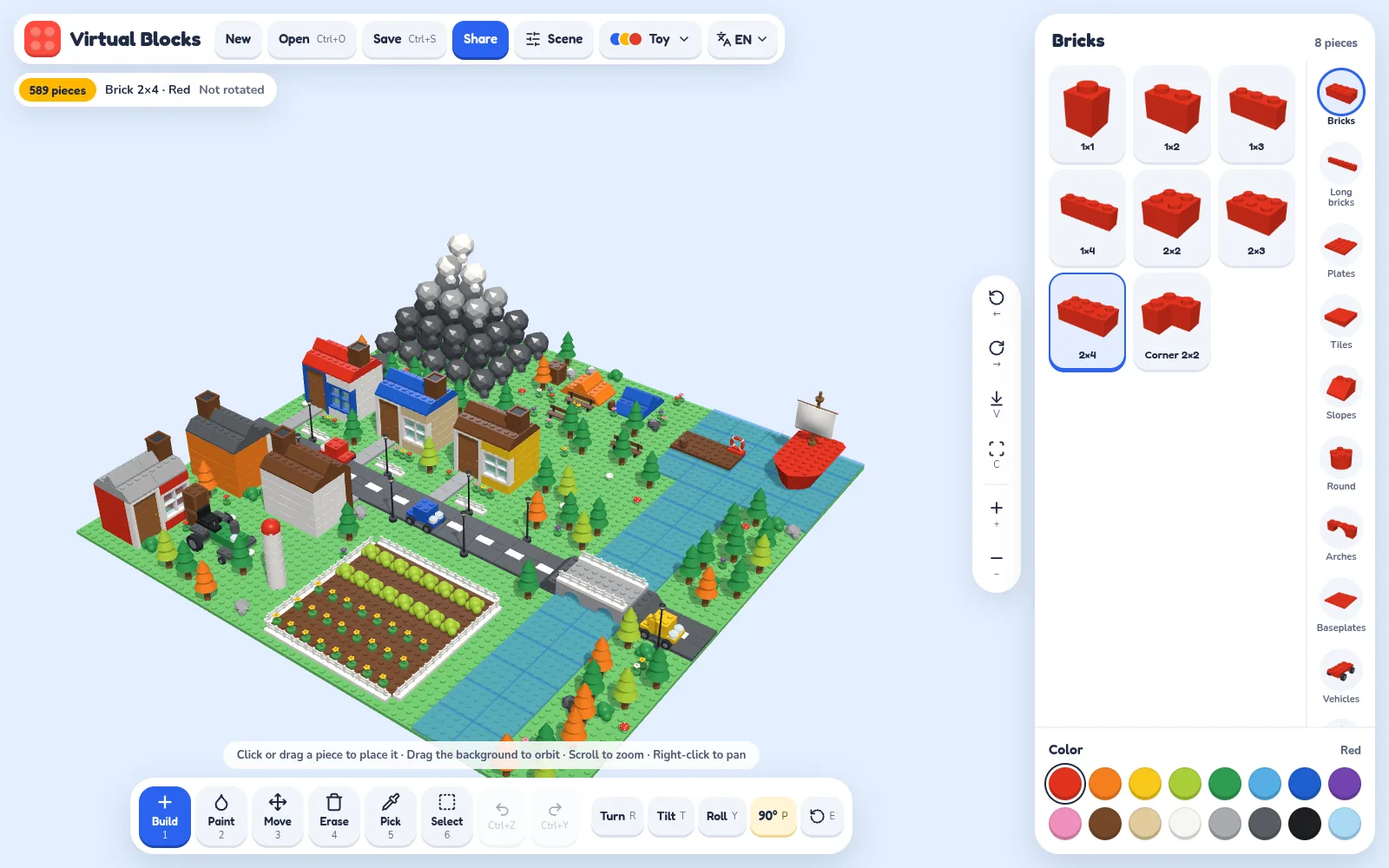
No sign-up. Your creations are stored in this browser.
What you can do
Bricks, plates, slopes, arches, wheels, planes, boats, pirates, castle, space, cranes and nature, in 16 colors. Turn, tilt and roll each piece before you drop it.
Build, paint, move, erase, pick up a piece’s shape, color and rotation, and select groups to move, duplicate or turn them together. With undo and redo.
Start on a 16×16 plot and add plots when you run out of room, up to 64, to raise a town, a harbor or a whole landscape.
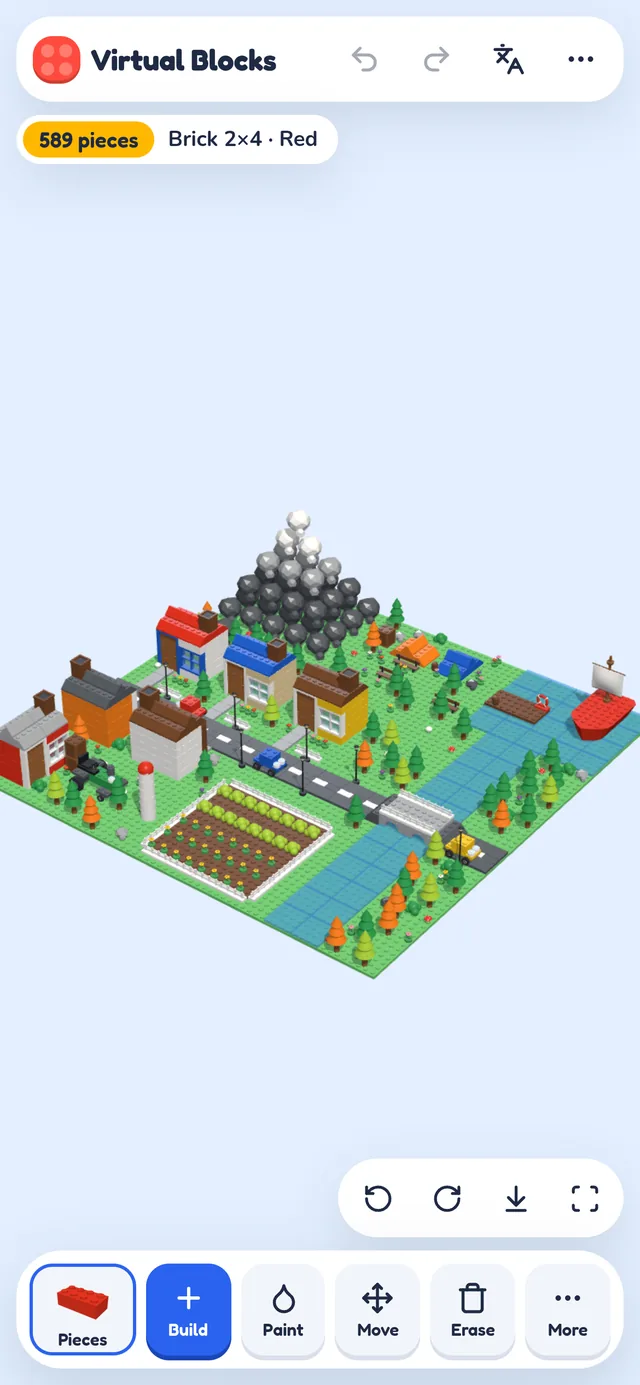
A house with a garden, a sports car, an airplane, a pirate ship, a castle, a construction site and a 589-piece landscape. Open them, change them or take them apart to see how they’re made.
Give your creation a name and find it later under “Open”. To take it to another device, download it as a file.
The creation travels inside the link, without going through any server. You can also download it as a PNG image.
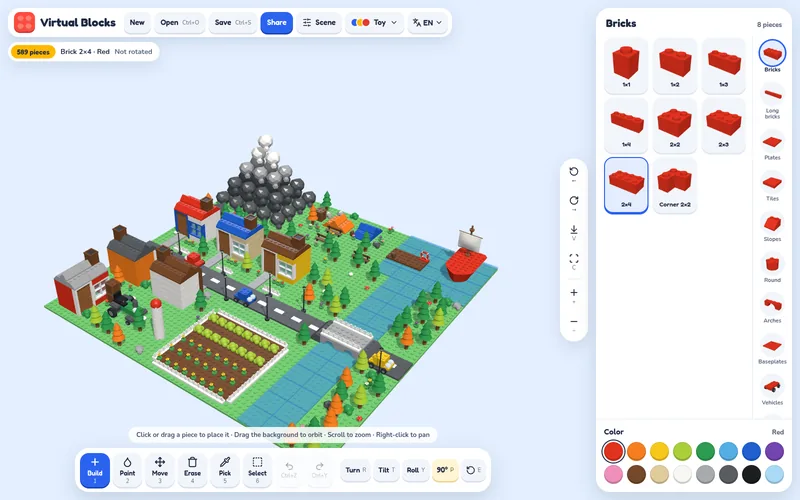
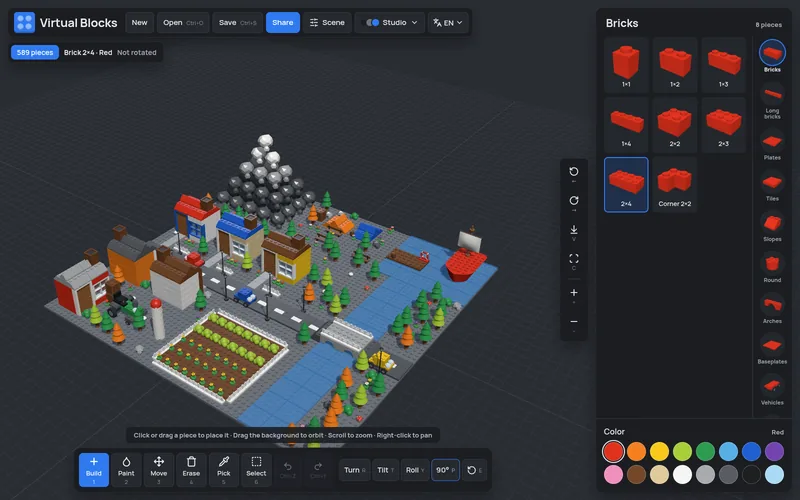
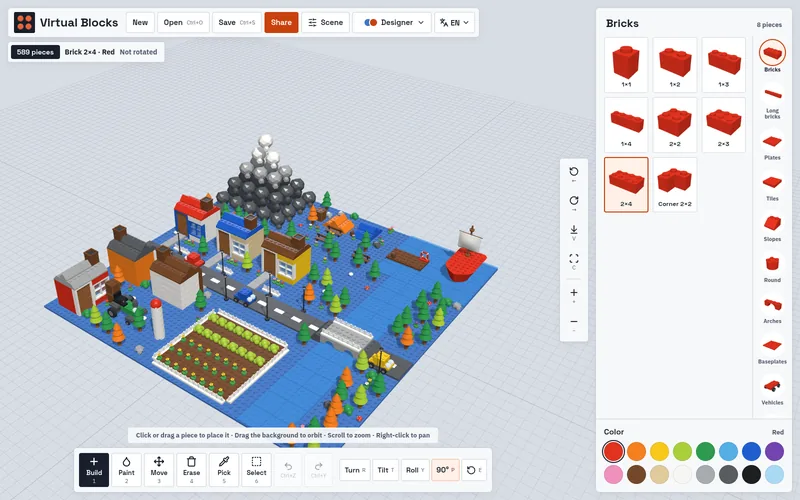
Themes
Switch themes any time from the top bar; your creation stays where it was.
How it works
From the piece panel, sorted by category. On a phone, under “Pieces”.
Click or tap where you want it: the piece snaps to the grid. To turn the view, drag the background.
It stays in your browser under the name you give it. To show it, copy the link or download the image.
Yes. The whole editor is free, with no ads and no trial periods.
No. Open the editor and start building: it doesn’t ask for your name, email or a password.
In your browser, on this device. If you clear the site’s data or switch browsers, you won’t find them there: to take them elsewhere, download them as a file and open it with “Open file…”.
Yes. On small screens the editor rearranges itself: the tools sit at the bottom and the pieces open in a panel. All you need is an up-to-date browser.
With “Share”: copy a link that carries the creation inside it, or download it as a PNG image or as a file. Whoever opens the link sees it in their editor and can keep building on it.
Nothing to install, no account to create.
Open the editorVirtual Blocks is free and has no ads. If you enjoyed it and you’d like to buy me a coffee, here’s the button. If not, that’s fine too.
Follow me on X for news
@willywes_